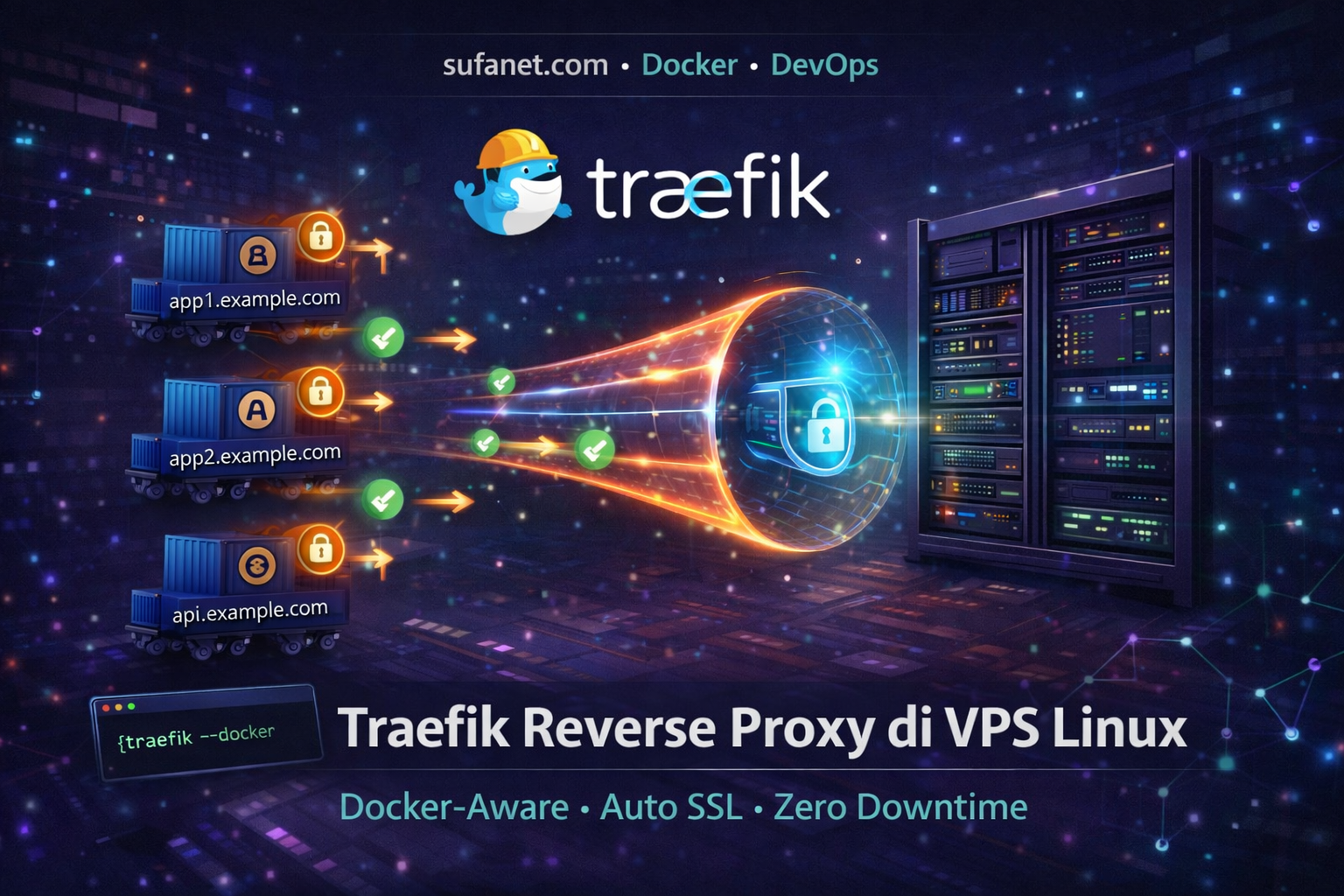
Pendahuluan
Jika kamu menjalankan banyak container Docker di satu VPS, Nginx tradisional terasa seperti mengisi form manual setiap ada perubahan.
Traefik adalah reverse proxy yang membaca label Docker container secara otomatis. Tambah container baru → Traefik langsung routing tanpa perlu edit config atau reload.
Bonus: SSL dari Let's Encrypt diurus otomatis. Tidak perlu certbot manual lagi.
Traefik vs Nginx: Kapan Pakai Yang Mana?
| Aspek | Traefik | Nginx |
|---|---|---|
| Docker-Aware | ✅ Native | ❌ Manual |
| Auto SSL | ✅ Built-in | ⚠️ Butuh Certbot |
| Dashboard | ✅ Built-in | ❌ Tidak ada |
| Static site | ⚠️ Bisa tapi bukan fokus | ✅ Excellent |
| Reload | ✅ Zero downtime | ⚠️ Perlu reload |
Gunakan Traefik jika stack kamu berbasis Docker Compose. Nginx lebih cocok untuk static file atau PHP tradisional.
Persiapan VPS dan Docker
Pastikan Docker dan Docker Compose sudah terinstall:
docker --version
docker compose version
Buat Docker network khusus untuk Traefik:
docker network create traefik_netBuat direktori untuk Traefik:
mkdir -p /opt/traefik
touch /opt/traefik/acme.json
chmod 600 /opt/traefik/acme.json
Install Traefik dengan Docker Compose
Buat file /opt/traefik/docker-compose.yml:
version: '3.8'

services:
  traefik:
    image: traefik:v3.0
    container_name: traefik
    restart: unless-stopped
    ports:
      - "80:80"
      - "443:443"
    volumes:
      - /var/run/docker.sock:/var/run/docker.sock:ro
      - /opt/traefik/acme.json:/acme.json
      - /opt/traefik/traefik.yml:/traefik.yml:ro
    networks:
      - traefik_net

networks:
  traefik_net:
    external: true
Buat file konfigurasi utama /opt/traefik/traefik.yml:
api:
  dashboard: true
  insecure: false

entryPoints:
  web:
    address: ":80"
    http:
      redirections:
        entrypoint:
          to: websecure
          scheme: https
  websecure:
    address: ":443"

providers:
  docker:
    exposedByDefault: false

certificatesResolvers:
  letsencrypt:
    acme:
      email: [email protected]
      storage: /acme.json
      httpChallenge:
        entryPoint: web
cd /opt/traefik
docker compose up -dSSL Otomatis Let's Encrypt
Traefik mengurus SSL secara otomatis via HTTP challenge. Sertifikat diperbarui otomatis sebelum kedaluwarsa. Kamu tidak perlu certbot atau cron renewal.
Deploy Aplikasi di Belakang Traefik
Contoh menjalankan app Node.js dengan routing Traefik:
version: '3.8'

services:
  myapp:
    image: node:20-alpine
    container_name: myapp
    restart: unless-stopped
    networks:
      - traefik_net
    labels:
      - "traefik.enable=true"
      - "traefik.http.routers.myapp.rule=Host(`app.domain-kamu.com`)"
      - "traefik.http.routers.myapp.entrypoints=websecure"
      - "traefik.http.routers.myapp.tls.certresolver=letsencrypt"
      - "traefik.http.services.myapp.loadbalancer.server.port=3000"

networks:
  traefik_net:
    external: true
Setiap container yang punya label traefik.enable=true otomatis terdaftar sebagai service.
Akses Dashboard Traefik
Tambahkan routing dashboard dengan basic auth:
# Generate password hash
htpasswd -nb admin password_kamu
Tambahkan label berikut ke container Traefik:
- "traefik.enable=true"
- "traefik.http.routers.dashboard.rule=Host(`traefik.domain-kamu.com`)"
- "traefik.http.routers.dashboard.service=api@internal"
- "traefik.http.routers.dashboard.middlewares=auth"
- "traefik.http.middlewares.auth.basicauth.users=admin:HASH_PASSWORD_KAMU"
Kenapa VPS SufaNet Cocok untuk Traefik?
- Mendukung KVM dengan akses penuh Docker
- Port 80/443 tidak diblokir
- Bandwidth cukup untuk routing multi-service
- Stabil untuk container yang jalan 24/7
Manage banyak app dalam satu VPS
Traefik + Docker Compose + VPS yang stabil = infrastructure yang clean dan hemat.
🚀 Lihat VPS Singapore SufaNetFAQ
Traefik bisa berjalan tanpa Docker?
Bisa, Traefik tersedia sebagai binary dan bisa dikonfigurasi dengan file YAML untuk routing statis. Tapi value utamanya ada di integrasi Docker.
Apakah Traefik bisa dipakai bersamaan dengan Nginx?
Bisa. Traefik sebagai entry point utama (port 80/443), Nginx sebagai backend untuk PHP/static. Tapi untuk simplicity, pilih satu saja.
Kesimpulan
Traefik adalah pilihan terbaik jika kamu mengelola banyak container Docker di satu VPS. Auto SSL, auto routing, zero downtime reload — semua yang Nginx butuh dilakukan manual, Traefik lakukan otomatis.